



macOS can tile a window to a half or a quarter of the screen, but it has no layout picker and no thirds. Casement adds a strip of layouts that appears as you drag a window: halves, thirds, one large window with two beside it and a four-way grid, plus four columns and six-up on external monitors.
What macOS gives you
Recent versions of macOS can snap a window to the left or right half, or to a quarter, by dragging it to an edge or using the Window menu. That covers the basic two-up arrangement.
What it does not
- A picker that shows the choices as you drag.
- Three columns or a main window with two stacked beside it.
- A way to fill empty slots with your other open windows.
Casement's layouts
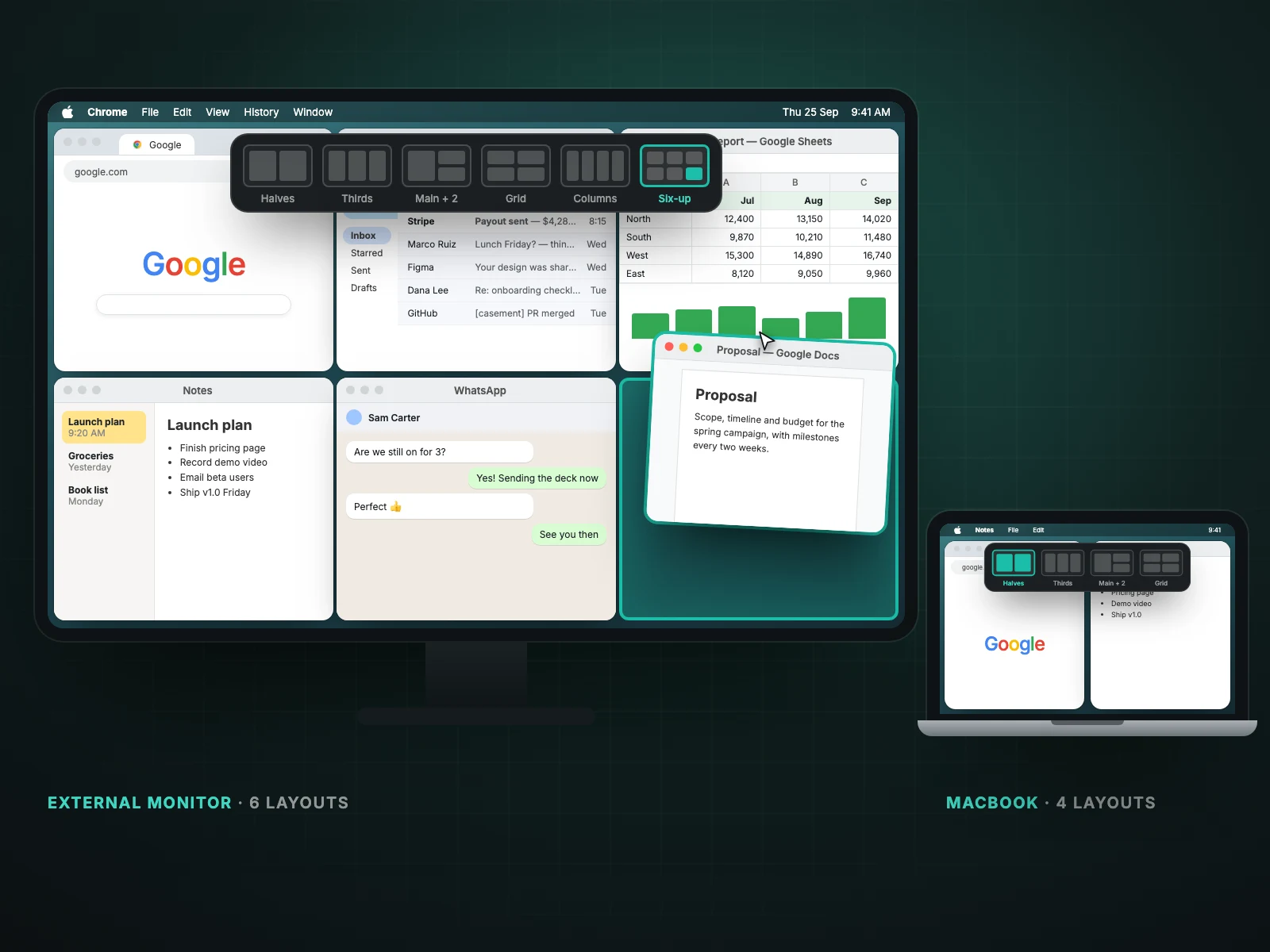
- Halves, thirds, main-plus-two and a four-way grid on any display.
- Four columns and six-up on larger external monitors.
- Linked resizing, so windows that share an edge change together.
Turn off the built-in edge tiling
Both systems react to dragging to an edge. In System Settings, Desktop & Dock, switch off Drag windows to screen edges to tile and Casement takes over.
How they compare in practice
| Need | macOS built-in | Casement |
|---|---|---|
| Two windows side by side | Yes (halves) | Yes |
| Four windows in a grid | Yes (quarters) | Yes |
| Three columns | No | Yes |
| One big window plus two small | No | Yes |
| See choices while dragging | No | Yes |
| Six-window grid on a large monitor | No | Yes |
Setting up without clashes
- In System Settings, Desktop & Dock, turn off Drag windows to screen edges to tile.
- Install Casement and allow Accessibility.
- Drag a window to the top edge to open the picker.
Keyboard shortcuts such as ⌃⌥← work without dragging.
Questions people ask
Is it free?
Yes. Snap layouts are part of the free core of Casement.
Does it work on an ultrawide monitor?
Yes. See snapping windows on an ultrawide monitor.
Try Casement
Casement is a menu-bar app for Mac that puts each Chrome profile in the Dock as its own icon and adds snap layouts, hover-to-focus, a window switcher, Dock window lists, a drop shelf and display controls..