



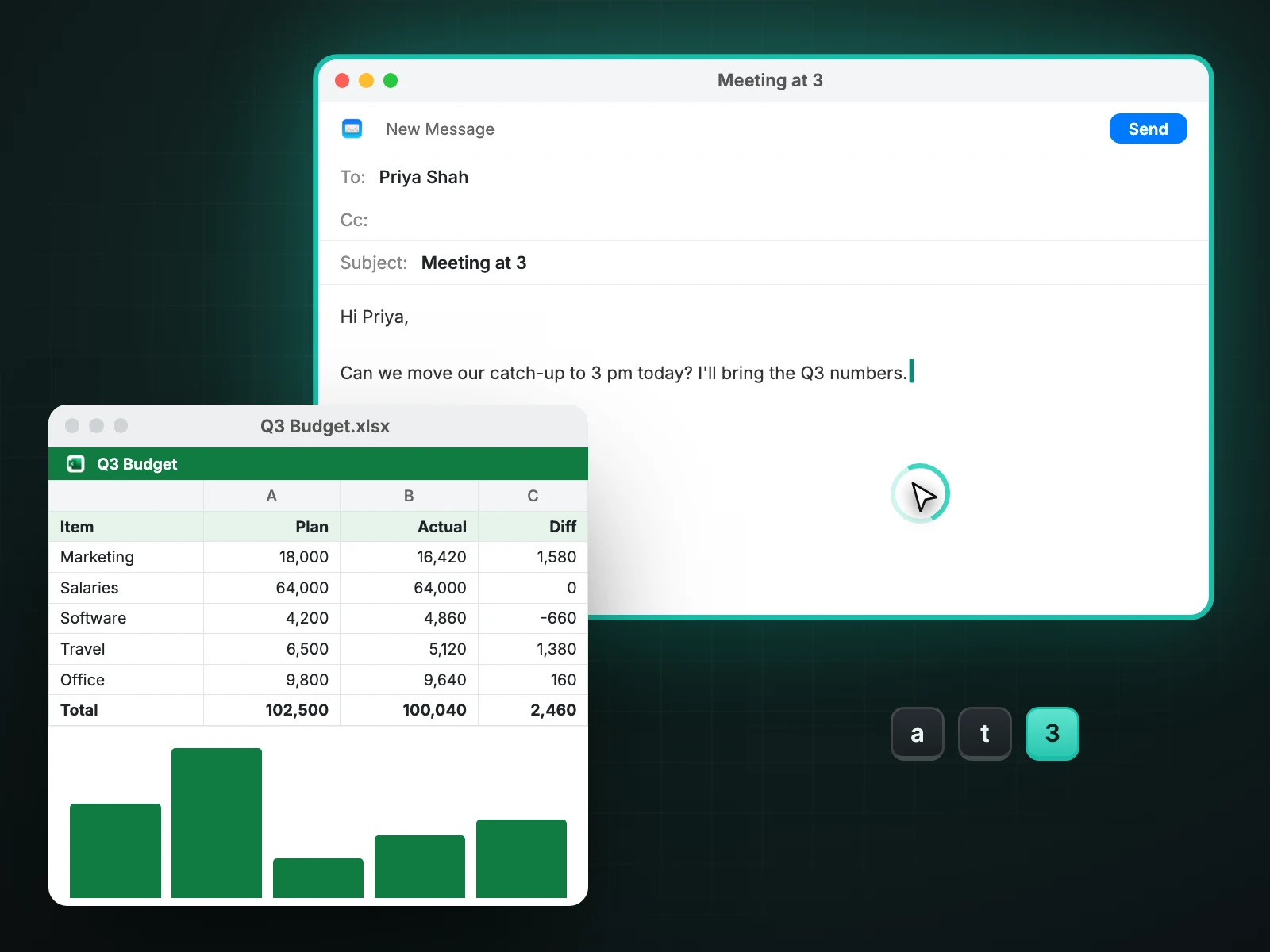
Hover to focus makes the window under your pointer active without bringing it forward. Keys go to that window, and the first click lands on the thing you pointed at and is not used up waking the window. You can set four speeds and exclude apps. It is free.
Why it is useful
On a Mac a background window ignores typing until you click it, and that first click is often wasted on activation. If you keep a reference document beside a notes window, you click back and forth all day.
With hover to focus you can read in one window, glance at another, and type straight into whichever the pointer rests on.
No raising
Focus changes, stacking order does not. A window you hover over stays behind the one in front of it until you choose to raise it. That keeps overlapping windows from shuffling as the pointer crosses them.
Settings
- Four speeds, from instant to relaxed, so a pointer passing over a window on its way elsewhere does not steal focus.
- An exclude list for apps that should behave normally.
- One switch in the control panel to turn it off.
Known limits
Some apps built on Chromium, including Chrome and many Electron apps, ignore focus requests that do not also raise the window. In those apps hover to focus may need a click. Casement does not force a raise to work around it, because that would shuffle your windows.
A worked example
You have a notes window on the left and a browser on the right. You are reading the page, glance at your notes and start typing. With hover to focus the keystrokes go to the notes without a click, and the browser stays exactly where it was. You move the pointer back and carry on scrolling. Neither window moved in the stacking order.
Choosing a speed
| Speed | Good for |
|---|---|
| Instant | Small, fixed layouts where you move deliberately between windows |
| Quick | Most people with two or three windows side by side |
| Relaxed | Busy desktops where the pointer crosses windows on its way elsewhere |
| Slowest | Anyone who finds focus changes distracting |
Four speeds are available in the control panel; try one for a day before changing it.
Apps that should not take part
Add an app to the exclude list if you prefer clicking in it, for example a game, a video player or a presentation tool. Excluded apps behave as macOS normally does.
Questions people ask
Is this the same as focus follows mouse on other systems?
It is the same idea: focus follows the pointer. The difference is that Casement deliberately leaves the stacking order alone.
Does it work across several displays?
Yes. The window under the pointer is used wherever it is.
Will it affect games or full-screen video?
Add them to the exclude list if you notice any change.
Does hover to focus work with Stage Manager?
It works on the windows currently on screen. Windows tucked away in Stage Manager's side strip are not under your pointer, so they are not affected.
Try Casement
Casement is a menu-bar app for Mac that puts each Chrome profile in the Dock as its own icon and adds snap layouts, hover-to-focus, a window switcher, Dock window lists, a drop shelf and display controls..