



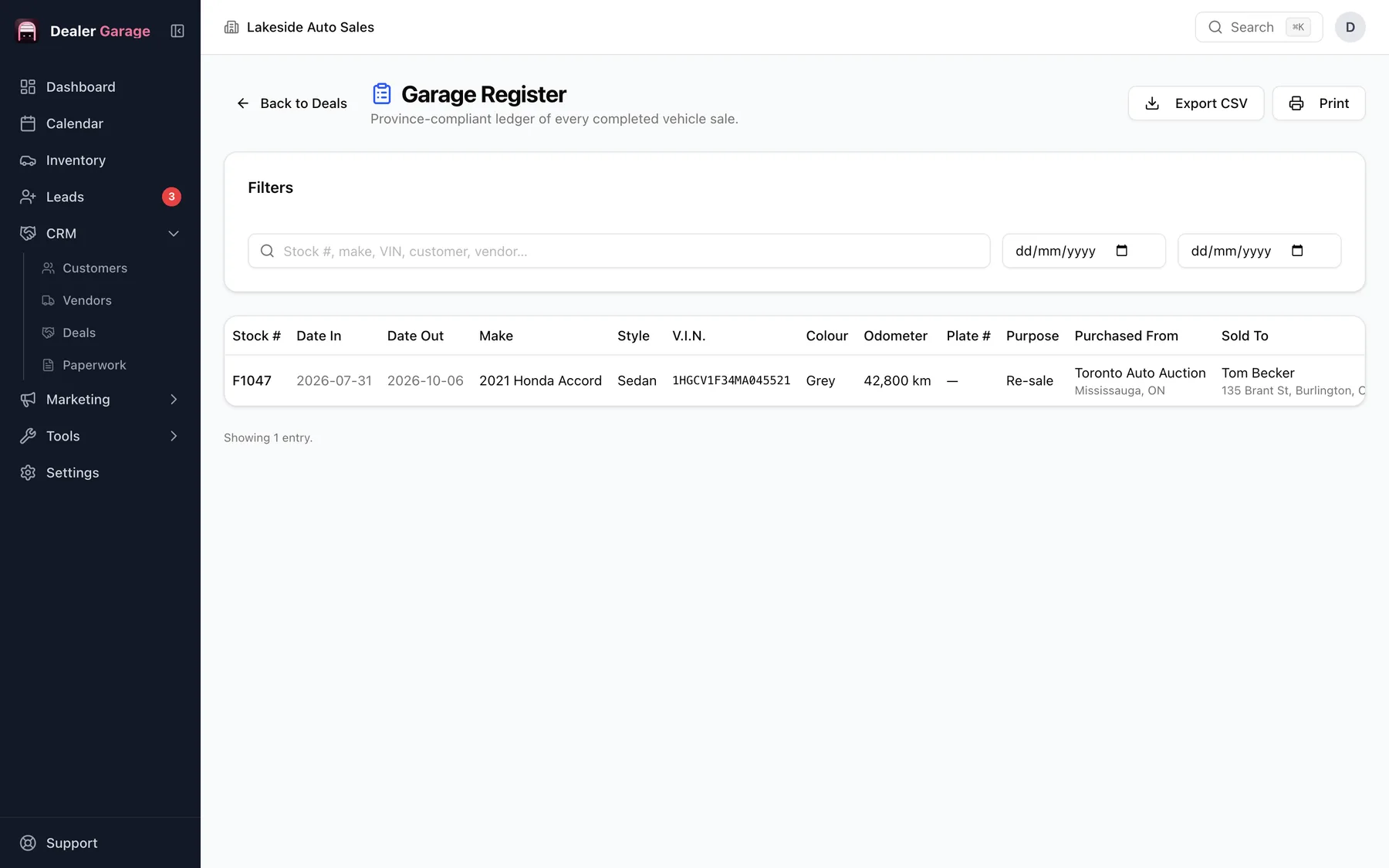
A garage register is a dealer's running record of vehicles bought and sold. Dealer Garage builds it from your inventory and deals as you work, so you do not keep a separate book. It is part of the Basic plan. Whether you must keep one, and what it must contain, depends on your jurisdiction.
Why dealers keep one
Regulators in some places expect dealers to record each vehicle they take in and sell, with identifying details and the parties involved. Even where it is not mandated, it is a useful audit trail of what moved through the lot and when.
How Dealer Garage handles it
- Vehicles you add are entered as acquired.
- Completed deals record the disposal and the buyer.
- The register view lists them so you can filter, review and export it as a CSV file.
Check your obligations
Requirements, retention periods and formats vary. Confirm yours with your regulator. See what a garage register is.
Keeping the register accurate
- Add a vehicle as soon as it is acquired, with the date and who it came from.
- Complete deals promptly so the disposal is recorded.
- Review the register monthly for gaps: cars with no disposal, or no source.
Exporting
Use Export CSV for an audit request, a spreadsheet review or your accountant. Keep exports with your records.
Questions people ask
Is it included in the free plan?
No. It is part of Basic.
Can I export it?
Yes. The register page has an Export CSV button, and you can review and print it there.
Not legal advice.
Try Dealer Garage
Dealer Garage is installable dealer management software for independent used-car dealers in the US and Canada: inventory, leads, deals, dealer paperwork, Facebook Marketplace posting and email campaigns, with records stored on the dealership's own computer..