



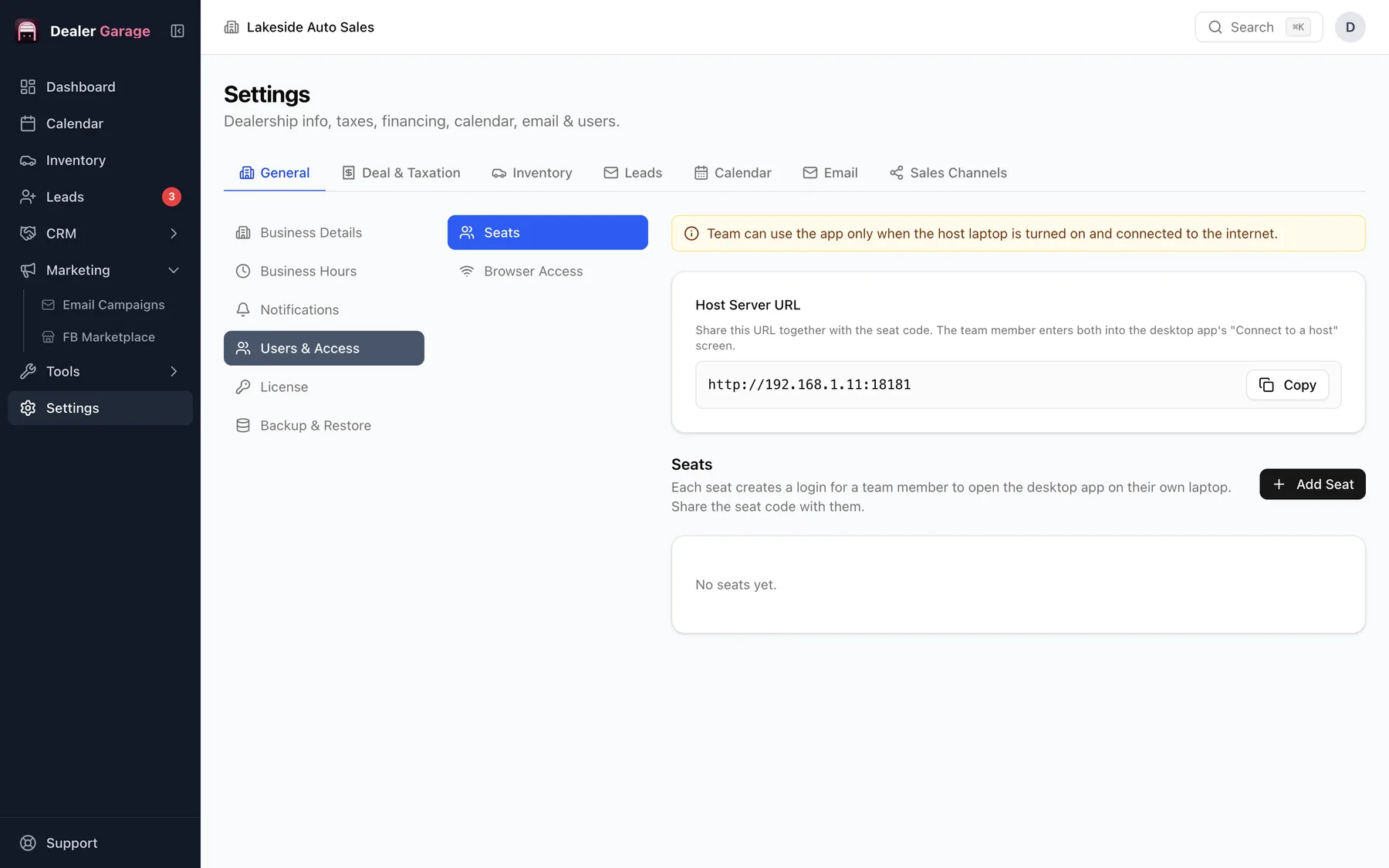
Each Dealer Garage user has their own login and a role. Admin can do everything including settings; Sales manager and Salesperson can edit inventory and leads; Reception can view inventory, leads and the calendar. The server enforces these rules, not just the screen.
The roles
| Role | Inventory | Leads | Customers | Marketing | Settings |
|---|---|---|---|---|---|
| Admin | Edit | Edit | Edit | Edit | Edit |
| Sales manager | Edit | Edit | Edit | — | — |
| Salesperson | Edit | Edit | — | — | — |
| Reception | View | View | — | — | — |
Why roles matter
A receptionist does not need to change prices or send an email blast. Narrow access reduces mistakes and limits what a lost or shared login can do.
More than one computer
Staff on other machines can connect to the main computer with Pro. See multi-computer with Pro.
Setting up your team
- Sign in as Admin and open Settings, Users and Access.
- Add each person with their own email and the least access they need.
- Ask them to choose a strong password.
- Remove or deactivate logins when someone leaves.
Rules of thumb
- Give Reception view access only.
- Keep one or two Admins.
- Never share a login: records are only meaningful if each person is separate.
Questions people ask
Is there an audit trail?
Access control is enforced per role. Keep one login per person so records show who did what.
Try Dealer Garage
Dealer Garage is installable dealer management software for independent used-car dealers in the US and Canada: inventory, leads, deals, dealer paperwork, Facebook Marketplace posting and email campaigns, with records stored on the dealership's own computer..