



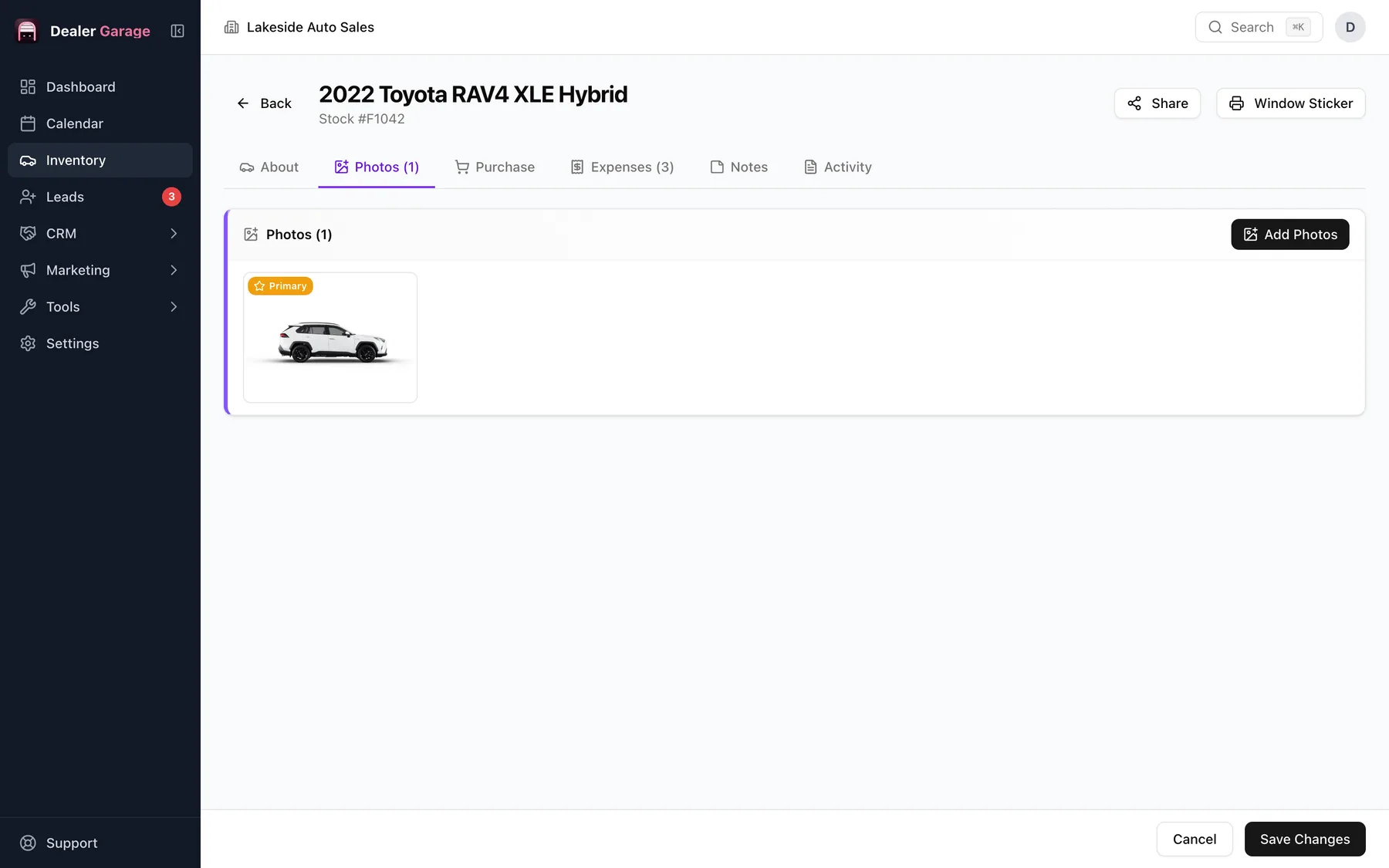
Dealer Garage prints a window sticker for any vehicle straight from its inventory record, filling in the year, make, model, trim, VIN, stock number, colours, drivetrain, features and your dealership details. It is in the free plan and works offline. A separate Buyers Guide is a different document; see the dealer paperwork forms.
What is on the sticker
- Vehicle title line: year, make, model and trim.
- VIN and stock number.
- Specifications: body style, exterior and interior colour, transmission, drivetrain and fuel type.
- Mileage in the unit you use.
- The features list from the vehicle record.
- Your dealership name and details from Settings.
Printing
- Open the vehicle.
- Choose the window sticker.
- Print or save it as a PDF.
Because it is built from the record, changing the price or features and printing again updates the sticker.
Window stickers and Buyers Guides
A window sticker advertises the car. In the United States, a Buyers Guide is a separate, required disclosure on used vehicles offered for sale by dealers. Dealer Garage's US paperwork set includes an FTC Buyer's Guide template. See the Buyers Guide explained.
Getting a clean print
- Fill in the features list first; it is what makes a sticker useful to a buyer walking the lot.
- Check the dealership name and address in Settings before printing the first one.
- Print a test on plain paper to check the layout against your sticker stock.
Keeping them current
Because the sticker is built from the record, a price change is one edit and a reprint. Keep a habit of reprinting when you reprice, so the lot and the listing never disagree.
Questions people ask
Can I add my logo?
The sticker uses the dealership details saved in Settings.
Does it need internet?
No.
Try Dealer Garage
Dealer Garage is installable dealer management software for independent used-car dealers in the US and Canada: inventory, leads, deals, dealer paperwork, Facebook Marketplace posting and email campaigns, with records stored on the dealership's own computer..