



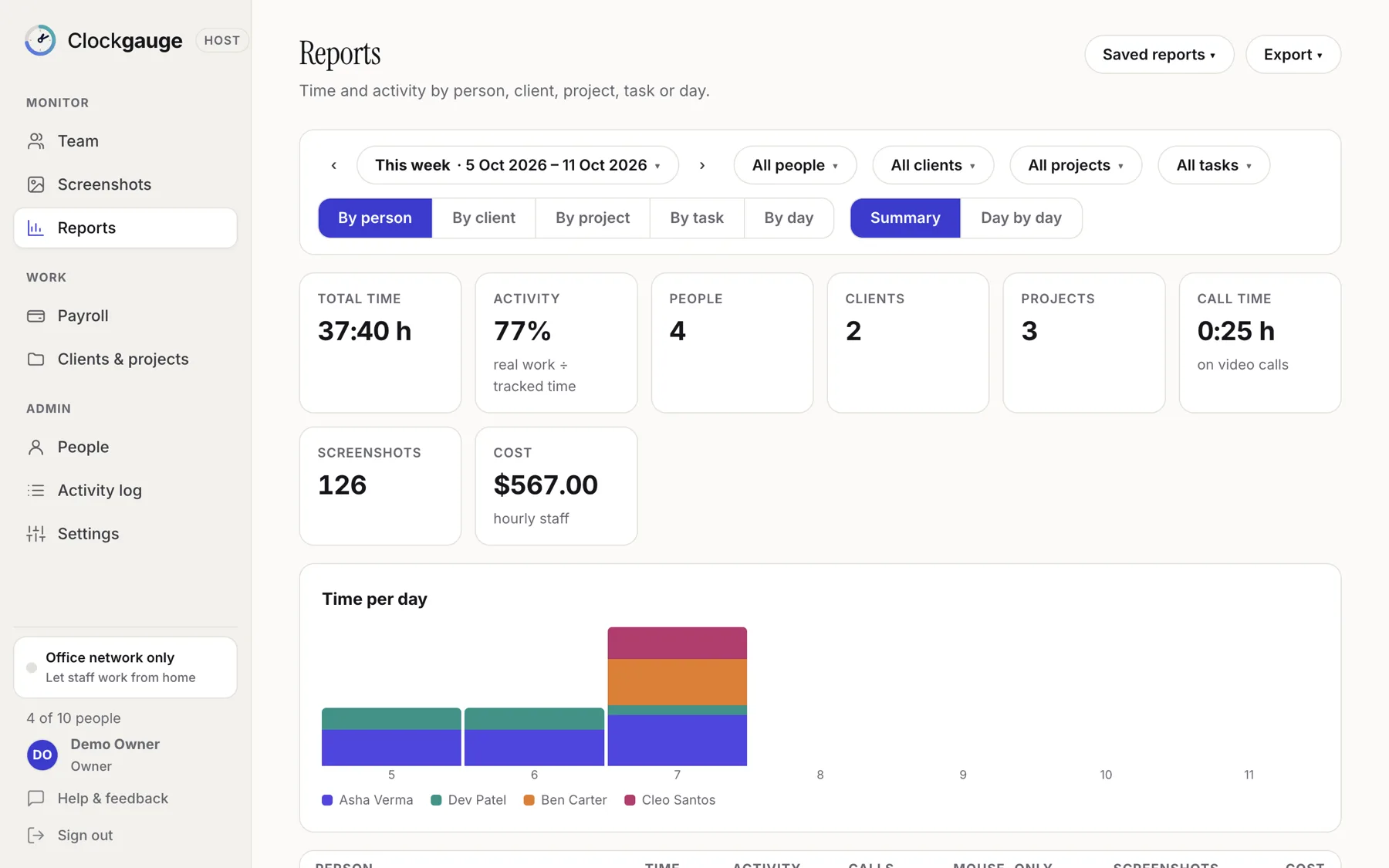
The Reports page in Clockgauge shows total time, activity percentage, people, clients, projects, call time, screenshots and cost for any date range. Group by person, client, project, task or day, filter by any of them, view a summary or a day-by-day matrix, save the report for yourself or share it, and export to Excel, CSV or PDF.
Grouping and filters
- Date presets: today, yesterday, this and last week, last 7 and 30 days, this and last month, or a custom range.
- Filter by people, clients, projects and tasks.
- Group by person, client, project, task or day.
- Summary or day-by-day view.
What each row shows
Time, activity percentage, minutes on video calls, mouse-only minutes that were not counted, screenshots and cost for hourly staff.
Saved reports and exports
- Save any combination of filters as a named report, private or shared with other managers.
- Export what you see to Excel, CSV or PDF, per grouping.
Typical uses: a weekly client summary, time by project for an invoice, or one person's week for a review.
Three reports worth saving
- Weekly client summary: this week, group by client then project.
- Person review: last month, one person, group by day.
- Over-budget watch: this month, group by project, with cost shown.
Exports
Excel for working it further, CSV for importing elsewhere and PDF for sending. Each export reflects the filters and grouping you have on screen.
Questions people ask
Can clients see the report?
Reports are for managers. Export a PDF to share with a client.
Does it show the call cap?
Call minutes are shown, and minutes beyond the cap are flagged and not counted as active.
Try Clockgauge
Clockgauge is an employee and freelancer time tracker that runs on your own computer: timers, consented random screenshots, activity levels, clients, projects and tasks, budgets, payroll balances and reports, paid once instead of per user per month..